
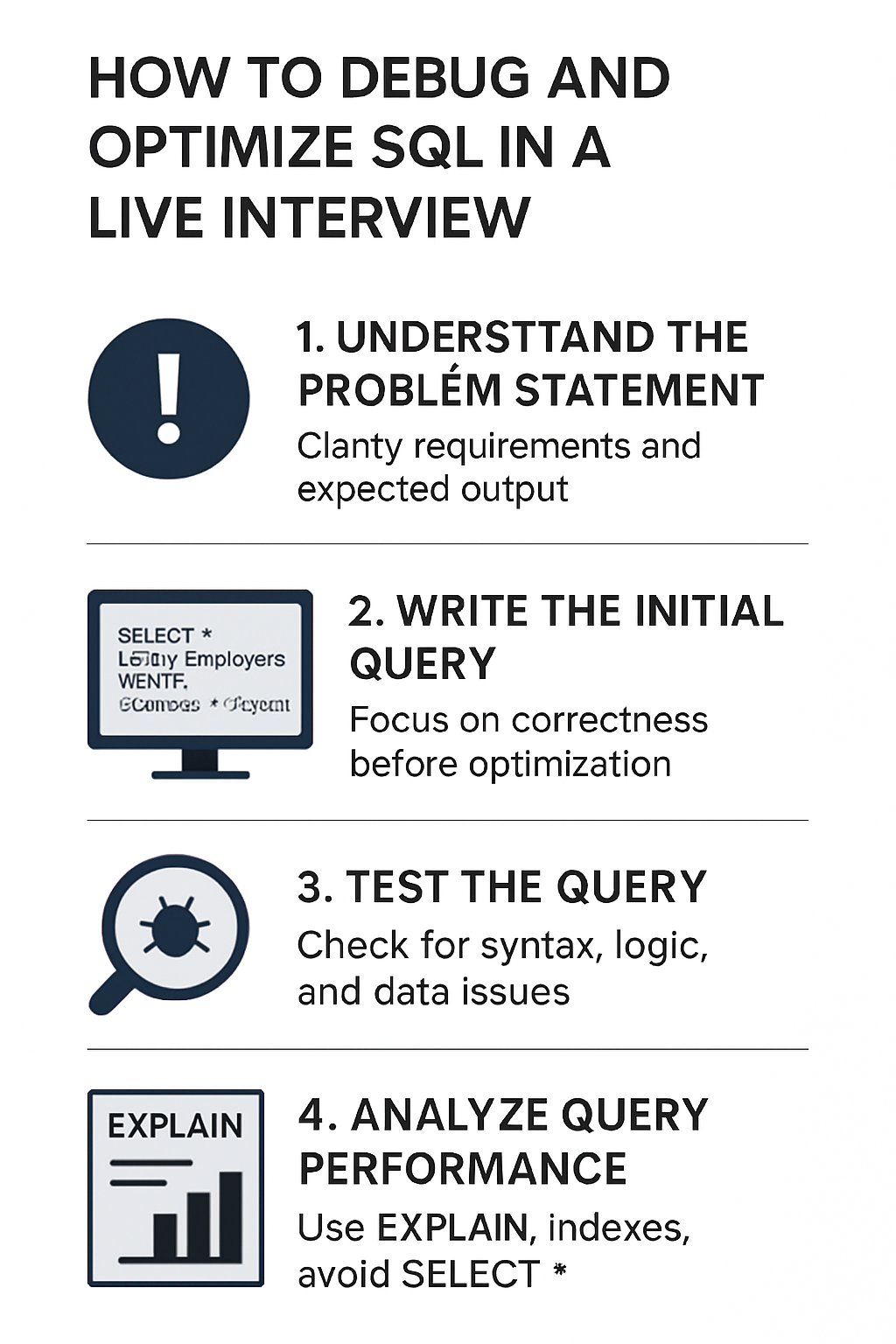
Mastering SQL Debugging & Optimization in Live Interviews
Struggling with SQL during live interviews is common — the pressure makes even simple mistakes more likely. The key is a clear, repeatable approach: understand the problem, validate your logic, profile performance, and communicate every step. Below is a compact, practical guide to help you debug and optimize SQL quickly and confidently under interview conditions.
Quick checklist (use this every time)
- Read the prompt fully and restate the goal.
- Start with a minimal working query.
- Test for syntax and logic with LIMIT and sample rows.
- Inspect the execution plan (EXPLAIN / EXPLAIN ANALYZE).
- Check indexes and join keys.
- Refactor for clarity and performance.
- Narrate your thought process to the interviewer.
1) Understand the problem first
Before typing: ask clarifying questions. What are the expected columns? Are NULLs allowed? What are the performance constraints? Restating the goal out loud (e.g., “We need the top 10 customers by revenue in the last year”) shows the interviewer you’re aligned.
2) Write a minimal, correct query
Start with a simple query that returns correct results on a small data slice.
- Avoid complexity early. Use LIMIT 10 or a WHERE clause to work on a manageable dataset.
- Confirm correctness with sample rows and edge cases (NULLs, duplicates).
Example:
-- start simple
SELECT customer_id, SUM(amount) AS total
FROM payments
WHERE payment_date >= '2024-01-01'
GROUP BY customer_id
ORDER BY total DESC
LIMIT 10;
3) Test for syntax and logic errors
Run small tests and check intermediate results:
- SELECT individual columns to verify join keys.
- Use GROUP BY on a subset to confirm aggregations.
- Check for off-by-one or inclusive/exclusive date mistakes.
4) Profile performance with EXPLAIN
Use EXPLAIN (or EXPLAIN ANALYZE when allowed) to inspect the planner’s choices.
- Look for sequential scans (Seq Scan) on large tables — potential index opportunities.
- Check estimated vs actual rows (big discrepancies mean inaccurate stats).
- Note expensive operations: large sorts, hash joins on big inputs, repeated subqueries.
Example:
EXPLAIN ANALYZE
SELECT ...;
What to look for:
- Index Scan vs Seq Scan
- Join order and join method (Nested Loop, Hash Join, Merge Join)
- Cost and actual time
5) Use indexes and selective predicates
- Ensure columns used in WHERE, JOIN, ORDER BY, and GROUP BY have appropriate indexes.
- Prefer composite/indexed columns that match your query’s filter pattern.
- Consider covering indexes to avoid touching the table when only indexed columns are needed.
Note: don’t add indexes blindly in an interview — explain trade-offs (write cost, maintenance) and recommend them as a measured next step.
6) Avoid SELECT * — be explicit
SELECT * forces the engine to fetch all columns, which can slow queries and prevent index-only plans. Select only the columns you need.
7) Refactor for efficiency
- Use proper joins: INNER JOIN when you need matches from both tables, LEFT JOIN when optional.
- Replace correlated subqueries with JOINs or window functions when appropriate to avoid repeated evaluation.
- Use EXISTS instead of IN for anti/semijoins when dealing with subquery performance.
- Consider CTEs for readability but remember some DB engines materialize them (possible perf cost).
Examples:
-- Instead of correlated subquery
SELECT c.id, c.name
FROM customers c
WHERE EXISTS (
  SELECT 1 FROM orders o WHERE o.customer_id = c.id AND o.amount > 100
);

-- Or use window functions for top-N per group
SELECT * FROM (
  SELECT *, ROW_NUMBER() OVER (PARTITION BY category ORDER BY score DESC) rn
  FROM items
) t WHERE rn = 1;
8) Limit results and test iteratively
Always develop with LIMIT or a restrictive WHERE clause. Remove the limit only after correctness and performance checks.
9) Communicate your thought process
- Narrate what you’re checking and why (e.g., "I'll run EXPLAIN to see if the join is using an index").
- If you choose a particular optimization, explain its trade-offs and why it helps.
- If you’re unsure, say so and describe how you’d validate the change.
Clear communication often matters as much as the final query in interviews.
10) Practice common scenarios
Work through these to build muscle memory:
- Aggregations with GROUP BY and HAVING
- Top-N per group (ROW_NUMBER / RANK)
- Joins across multiple tables with filters
- Window functions for running totals
- Rewriting correlated subqueries
- Index selection and reading EXPLAIN plans
Final interviewer-ready checklist
- [ ] Restated the problem and constraints
- [ ] Wrote a minimal query and tested with LIMIT
- [ ] Verified correctness on edge cases
- [ ] Ran EXPLAIN and identified hot spots
- [ ] Suggested or explained indexing/join fixes
- [ ] Refactored for clarity and performance
- [ ] Communicated every step clearly
Practice these steps until they become second nature. In live interviews, calm methodical work plus clear narration beats frantic typing every time.
Good luck — and if you want, I can generate practice prompts or mock interview questions tailored to your role.
About the author
bugfree.ai is an advanced AI-powered platform designed to help software engineers master system design and behavioral interviews. Whether you’re preparing for your first interview or aiming to elevate your skills, bugfree.ai provides a robust toolkit tailored to your needs. Key Features:
150+ system design questions: Master challenges across all difficulty levels and problem types, including 30+ object-oriented design and 20+ machine learning design problems. Targeted practice: Sharpen your skills with focused exercises tailored to real-world interview scenarios. In-depth feedback: Get instant, detailed evaluations to refine your approach and level up your solutions. Expert guidance: Dive deep into walkthroughs of all system design solutions like design Twitter, TinyURL, and task schedulers. Learning materials: Access comprehensive guides, cheat sheets, and tutorials to deepen your understanding of system design concepts, from beginner to advanced. AI-powered mock interview: Practice in a realistic interview setting with AI-driven feedback to identify your strengths and areas for improvement.
bugfree.ai goes beyond traditional interview prep tools by combining a vast question library, detailed feedback, and interactive AI simulations. It’s the perfect platform to build confidence, hone your skills, and stand out in today’s competitive job market. Suitable for:
New graduates looking to crack their first system design interview. Experienced engineers seeking advanced practice and fine-tuning of skills. Career changers transitioning into technical roles with a need for structured learning and preparation.
Comments
Join the discussionNo comments yet. Be the first to comment.


