
High-Score (Bugfree Users) Interview Experience: Intuit Senior Frontend Engineer
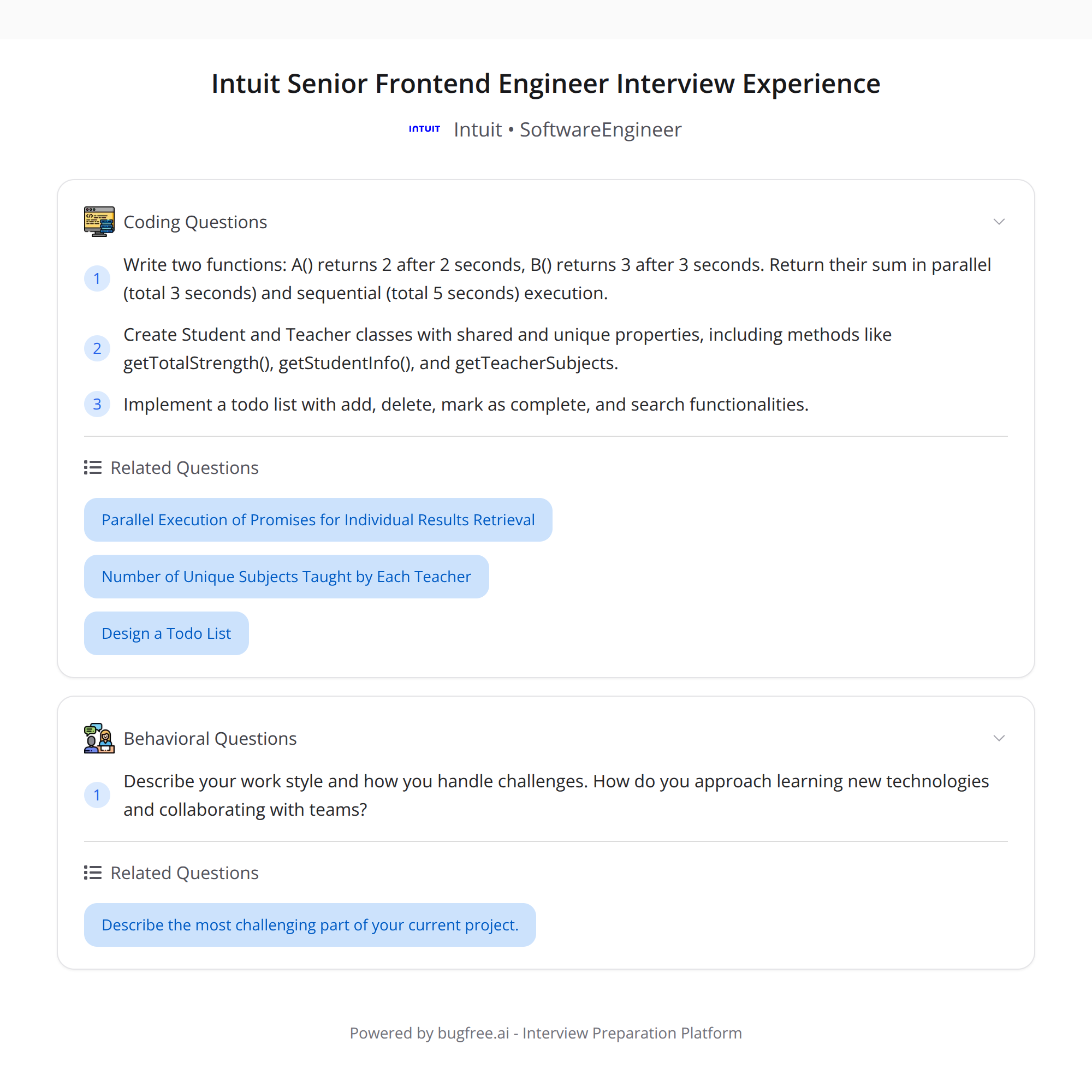
A concise, practical write-up of a successful Intuit Senior Frontend Engineer loop submitted by Bugfree users. The loop covered three core areas:
- A JavaScript async timing challenge (parallel vs sequential)
- An OOP design exercise (Student/Teacher with a shared SchoolMember base)
- A machine-coding task: a todo app with add/delete/complete/search
Below are clear problem statements, compact implementations, and tips for explaining decisions during an interview.
1) JavaScript async challenge — parallel vs sequential
Problem (concise):
- A() resolves to 2 after 2s
- B() resolves to 3 after 3s
Goal: compute the sum A() + B() while demonstrating both sequential and parallel approaches and measuring elapsed time.
Sample implementations and timing measurement:
// helpers
const delay = (ms, value) => new Promise(resolve => setTimeout(() => resolve(value), ms));

function A() { return delay(2000, 2); }
function B() { return delay(3000, 3); }

// utility timer
const now = () => (typeof performance !== 'undefined' ? performance.now() : Date.now());

// sequential: wait for A, then B
async function sumSequential() {
  const start = now();
  const a = await A();           // ~2s
  const b = await B();           // ~3s -> total ~5s
  const total = a + b;
  return { total, elapsedMs: now() - start };
}

// parallel: start both, await both
async function sumParallel() {
  const start = now();
  const pA = A();                // starts 2s timer
  const pB = B();                // starts 3s timer
  const [a, b] = await Promise.all([pA, pB]); // ~3s total
  const total = a + b;
  return { total, elapsedMs: now() - start };
}

// usage example
(async () => {
  console.log(await sumSequential()); // { total: 5, elapsedMs: ~5000 }
  console.log(await sumParallel());   // { total: 5, elapsedMs: ~3000 }
})();
Interview talking points:
- Explain why parallel is faster here: both async operations are independent so run concurrently.
- Discuss trade-offs: if one call depends on the other's result, you must run sequentially. If too many parallel requests, consider throttling or concurrency control (Promise.allSettled, p-limit, queue).
- Mention error handling: Promise.all rejects fast if any promise rejects. Use Promise.allSettled or try/catch around await Promise.all for safer behaviour.
2) OOP design: Student & Teacher inheriting SchoolMember
Problem: design classes for Student and Teacher that share a base SchoolMember and provide methods like getTotalStrength and info/subjects getters.
Design notes:
- Keep the base class responsible for common properties (id, name, role).
- Each subclass can add role-specific fields (e.g., subjects for Teacher, grade for Student).
- getTotalStrength can be a static helper or a utility that summarizes an array of members (e.g., student count, teacher count).
Example (ES6 classes):
class SchoolMember {
  constructor({ id, name, role }) {
    this.id = id;
    this.name = name;
    this.role = role; // 'student' | 'teacher'
  }

  get info() {
    return `${this.role.toUpperCase()}: ${this.name} (id:${this.id})`;
  }
}

class Student extends SchoolMember {
  constructor({ id, name, grade }) {
    super({ id, name, role: 'student' });
    this.grade = grade;
  }

  get subjects() {
    // could come from a registry or instance field
    return this._subjects || [];
  }
}

class Teacher extends SchoolMember {
  constructor({ id, name, subjects = [] }) {
    super({ id, name, role: 'teacher' });
    this._subjects = subjects;
  }

  get subjects() {
    return this._subjects;
  }
}

// utility: compute totals from a list of members
function getTotalStrength(members) {
  return members.reduce((acc, m) => {
    if (m.role === 'student') acc.students += 1;
    if (m.role === 'teacher') acc.teachers += 1;
    return acc;
  }, { students: 0, teachers: 0 });
}

// example usage
const members = [
  new Student({ id: 1, name: 'Alice', grade: 10 }),
  new Teacher({ id: 2, name: 'Mr. Bob', subjects: ['Math', 'Physics'] }),
];
console.log(getTotalStrength(members)); // { students: 1, teachers: 1 }
console.log(members[1].info); // TEACHER: Mr. Bob (id:2)
Interview tips:
- Describe why you made certain properties private or public (encapsulation).
- If asked to scale, mention using interfaces/types (TypeScript), dependency injection, or moving responsibilities (e.g., subject registry) out of model classes.
- Clarify how you’d persist/serialize these objects (JSON, database rows) and how you’d handle updates.
3) Machine coding: Todo app (add / delete / complete / search)
Requirements (minimal):
- Add a todo
- Delete a todo
- Toggle complete
- Search/filter todos by text
Data model (simple):
// todo shape
// { id: string, text: string, completed: boolean, createdAt: number }
let todos = [];

function addTodo(text) {
  const todo = { id: crypto?.randomUUID?.() || String(Date.now()), text, completed: false, createdAt: Date.now() };
  todos.push(todo);
  return todo;
}

function deleteTodo(id) {
  todos = todos.filter(t => t.id !== id);
}

function toggleTodo(id) {
  todos = todos.map(t => t.id === id ? { ...t, completed: !t.completed } : t);
}

function searchTodos(query) {
  const q = query.trim().toLowerCase();
  if (!q) return todos;
  return todos.filter(t => t.text.toLowerCase().includes(q));
}
Small React sketch (functional component):
function TodoApp() {
  const [todosState, setTodos] = React.useState([]);
  const [query, setQuery] = React.useState('');

  const add = text => setTodos(prev => [{ id: Date.now().toString(), text, completed: false }, ...prev]);
  const del = id => setTodos(prev => prev.filter(t => t.id !== id));
  const toggle = id => setTodos(prev => prev.map(t => t.id === id ? { ...t, completed: !t.completed } : t));
  const filtered = todosState.filter(t => t.text.toLowerCase().includes(query.toLowerCase()));

  return (
    <div>
      {/* add UI, search input, list rendering, etc. */}
    </div>
  );
}
Interview and implementation tips:
- Prioritize correctness, then edge cases (empty input, duplicate ids).
- Discuss performance for large lists: virtualization for rendering, debounced search, indexing for faster search.
- Mention persistence: localStorage for demo, or an API endpoint for production.
- Show tests: unit tests for add/delete/toggle/search functions.
Behavioral / loop-level tips
- Collaboration: describe how you’d pair program, write shared tests, and accept feedback.
- Learning: when stuck, explain your thought process, ask clarifying questions, and mention previous similar problems briefly.
- Handling challenges: if you hit a blocker, communicate assumptions, propose a reasonable fallback, and timebox exploration.
If you want, I can:
- Provide a minimal runnable sandbox for the todo app (vanilla or React)
- Add unit tests for the helper functions
- Expand the OOP design with TypeScript interfaces and persistence examples
Good luck with your interview prep — focus on clear communication and trade-offs as much as the code itself.
About the author
bugfree.ai is an advanced AI-powered platform designed to help software engineers master system design and behavioral interviews. Whether you’re preparing for your first interview or aiming to elevate your skills, bugfree.ai provides a robust toolkit tailored to your needs. Key Features:
150+ system design questions: Master challenges across all difficulty levels and problem types, including 30+ object-oriented design and 20+ machine learning design problems. Targeted practice: Sharpen your skills with focused exercises tailored to real-world interview scenarios. In-depth feedback: Get instant, detailed evaluations to refine your approach and level up your solutions. Expert guidance: Dive deep into walkthroughs of all system design solutions like design Twitter, TinyURL, and task schedulers. Learning materials: Access comprehensive guides, cheat sheets, and tutorials to deepen your understanding of system design concepts, from beginner to advanced. AI-powered mock interview: Practice in a realistic interview setting with AI-driven feedback to identify your strengths and areas for improvement.
bugfree.ai goes beyond traditional interview prep tools by combining a vast question library, detailed feedback, and interactive AI simulations. It’s the perfect platform to build confidence, hone your skills, and stand out in today’s competitive job market. Suitable for:
New graduates looking to crack their first system design interview. Experienced engineers seeking advanced practice and fine-tuning of skills. Career changers transitioning into technical roles with a need for structured learning and preparation.
Comments
Join the discussionNo comments yet. Be the first to comment.


